

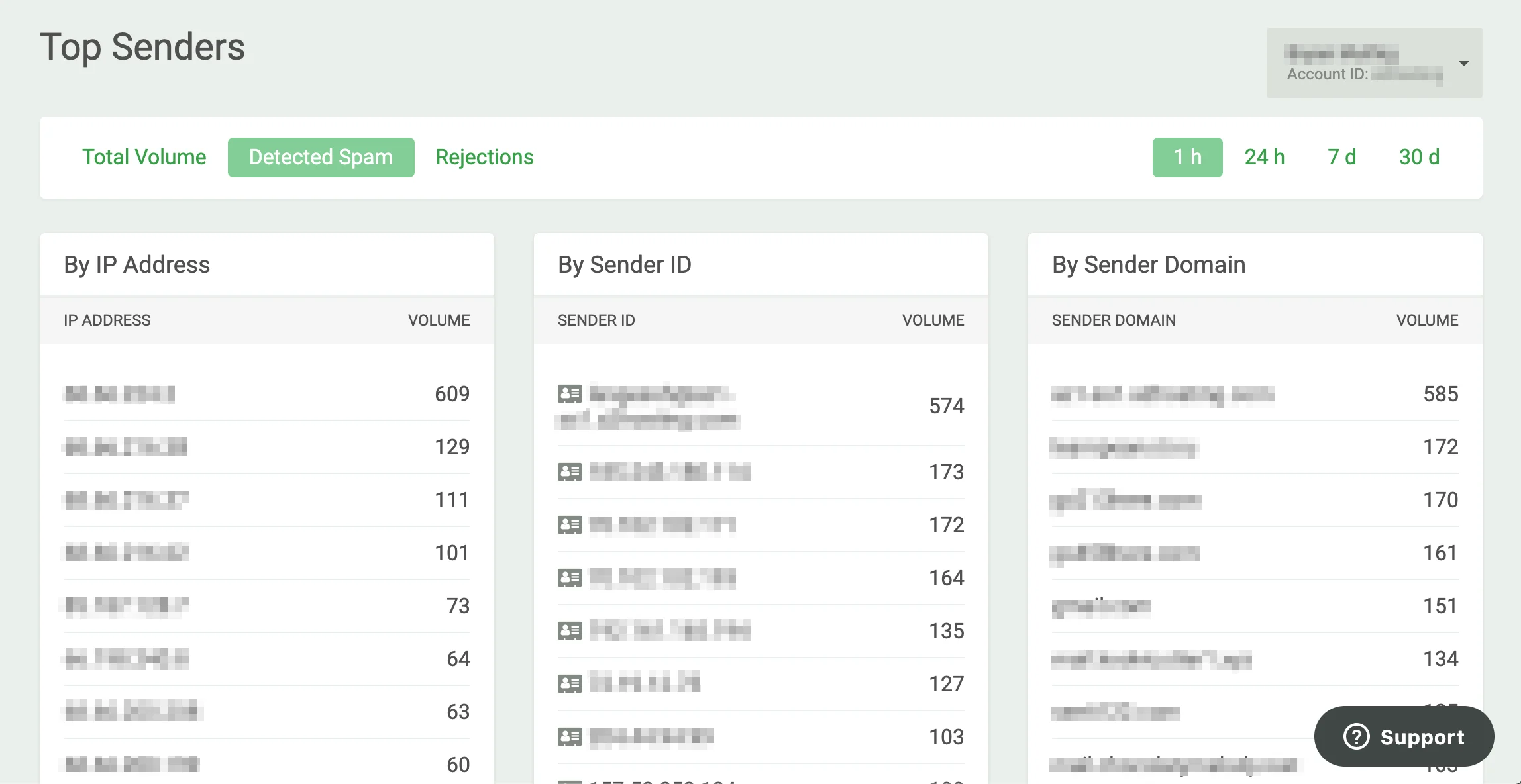
The Top Senders view, available under Outbound > Activities, ranks your senders by total volume, detected spam, or rejections. You can pivot the data by IP address, sender ID, or sender domain, and adjust the time range from one hour to a full month. This makes it straightforward to spot when a spam campaign began and estimate the volume of malicious messages involved. Top Senders

Data types

The data type displayed can be toggled between Total Volume, Detected Spam, and Rejections to show a roll-up of your top spammers or potentially compromised accounts, broken down by IP Address, Sender ID, or Sender Domain.

Time range

The timeline can be adjusted from a single hour to an entire month. Expanding the time range helps you visualize the scope of a problem — you can determine when an outbound spam campaign began and see the relative number of malicious messages that were generated and filtered.

Sender Profiles

Sender Profile data is available in both Top Senders and Log Search. Opening a Sender Profile lets you view the behavior patterns of a single sender or sending entity. For more details, see Sender Profiles.