

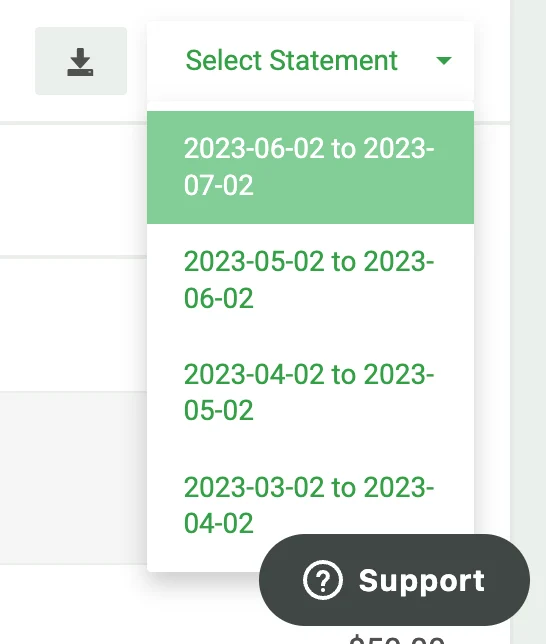
The Host Console lets you download your current invoice and the three most recent statements.
1

Open the Billing page

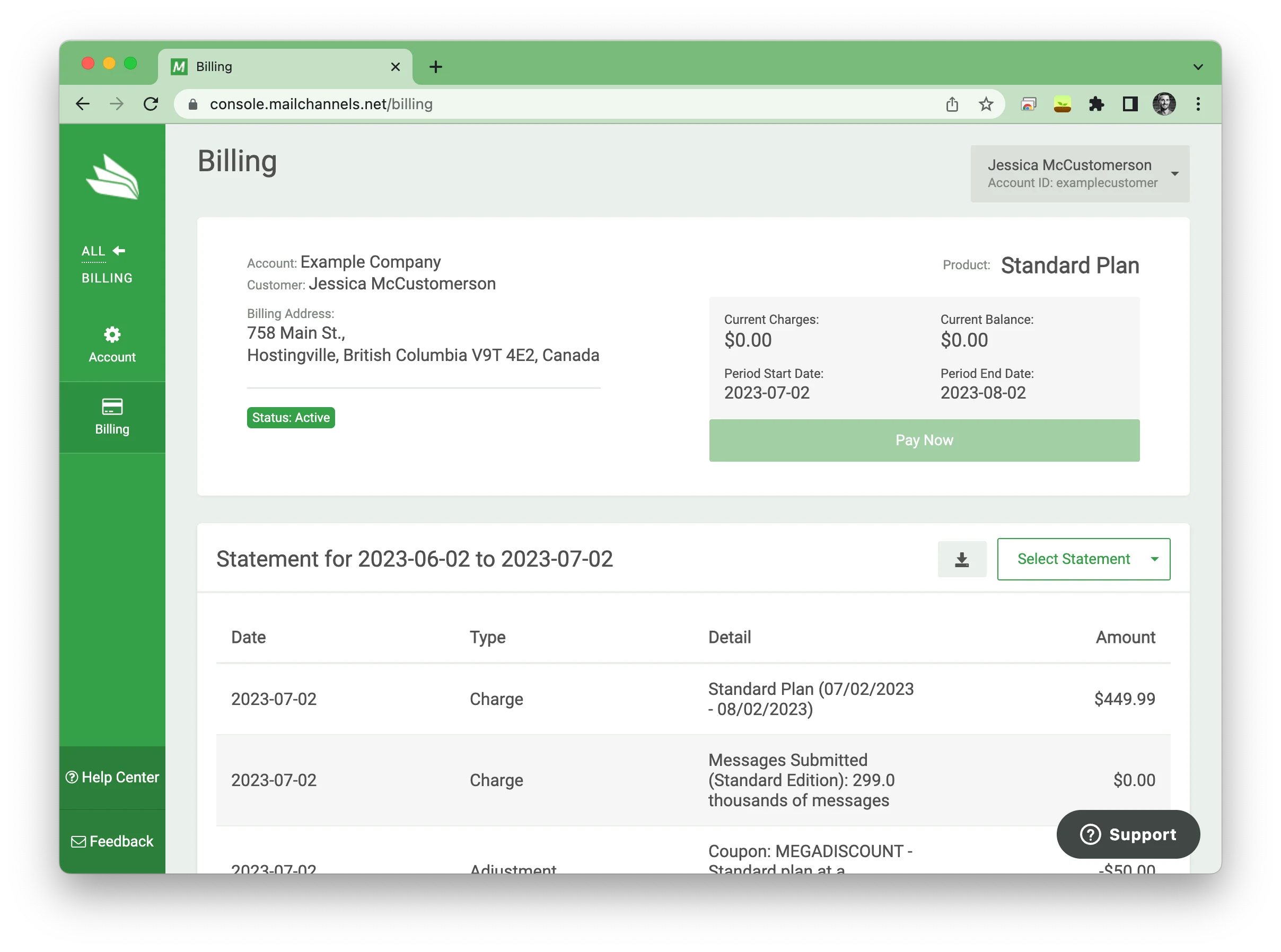
Navigate to console.mailchannels.net/billing and scroll down to the Statement section, approximately halfway down the page.Statement section in the Host Console
2

Select a statement

Click the Select Statement dropdown and choose the statement you want to download.Select Statement dropdown
3

Download

Click the download button to the left of the dropdown to save the selected statement.

Older statements

If you need statements older than three months, email billing@mailchannels.com. Include your MailChannels Host Console username (shown in the upper right of the billing section) so the billing team can locate your account quickly.