


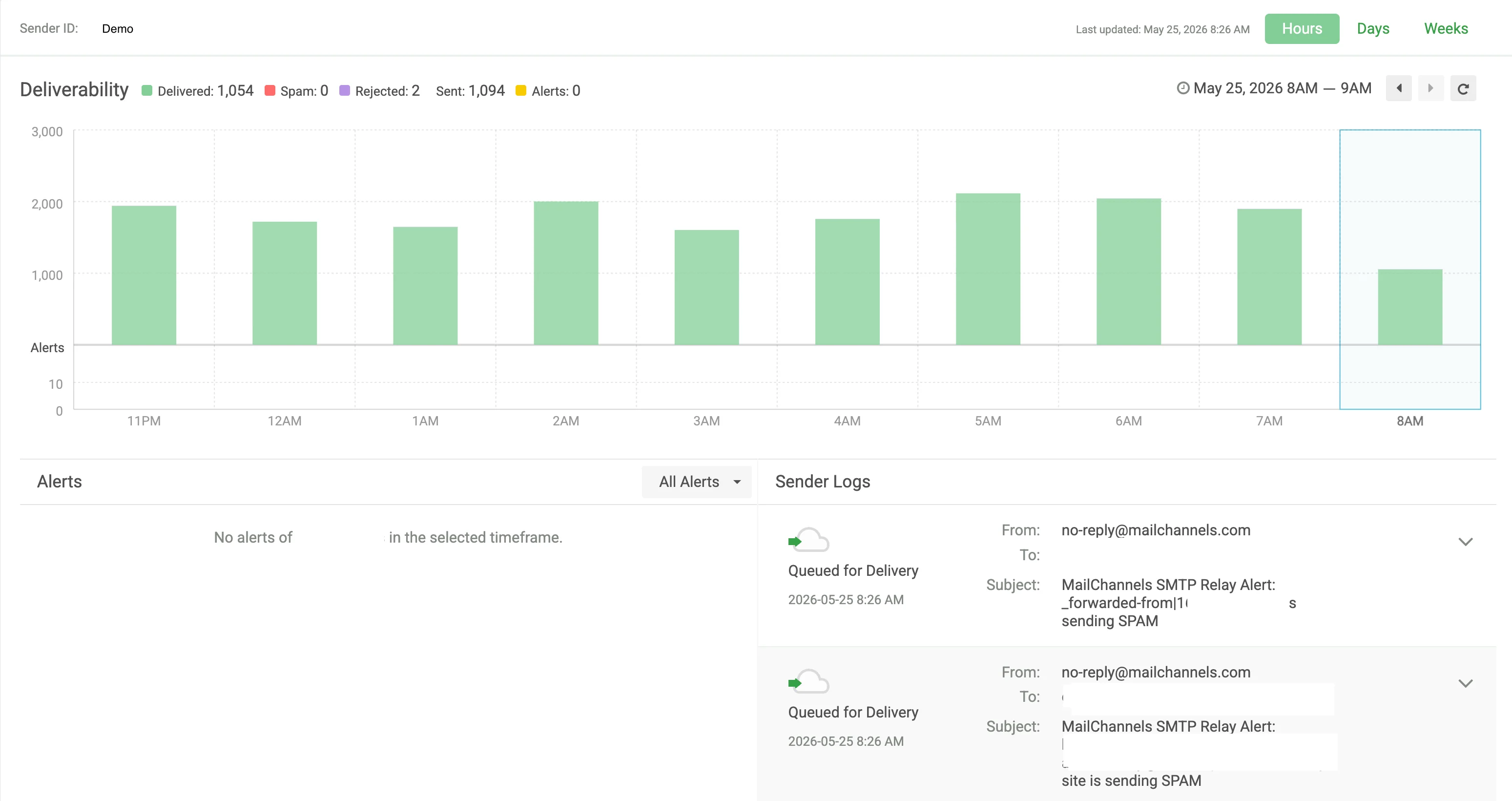
Deliverability chart
The top section of a Sender Profile displays a Deliverability chart for the selected sender, showing a breakdown of:- Delivered — messages successfully delivered to the recipient.
- Spam — messages identified as spam.
- Rejected — messages rejected during the SMTP transaction.
- Sent — total messages submitted by this sender.
- Alerts — the number of monitor alerts triggered for this sender.
Alerts and Sender Logs
Below the chart, the profile is split into two tabs:- Alerts — lists any monitor alerts triggered for this sender within the selected timeframe. Use the All Alerts dropdown to filter by alert type.
- Sender Logs — lists individual messages submitted by this sender, including the timestamp, delivery status, sender address, recipient address, and subject line.